
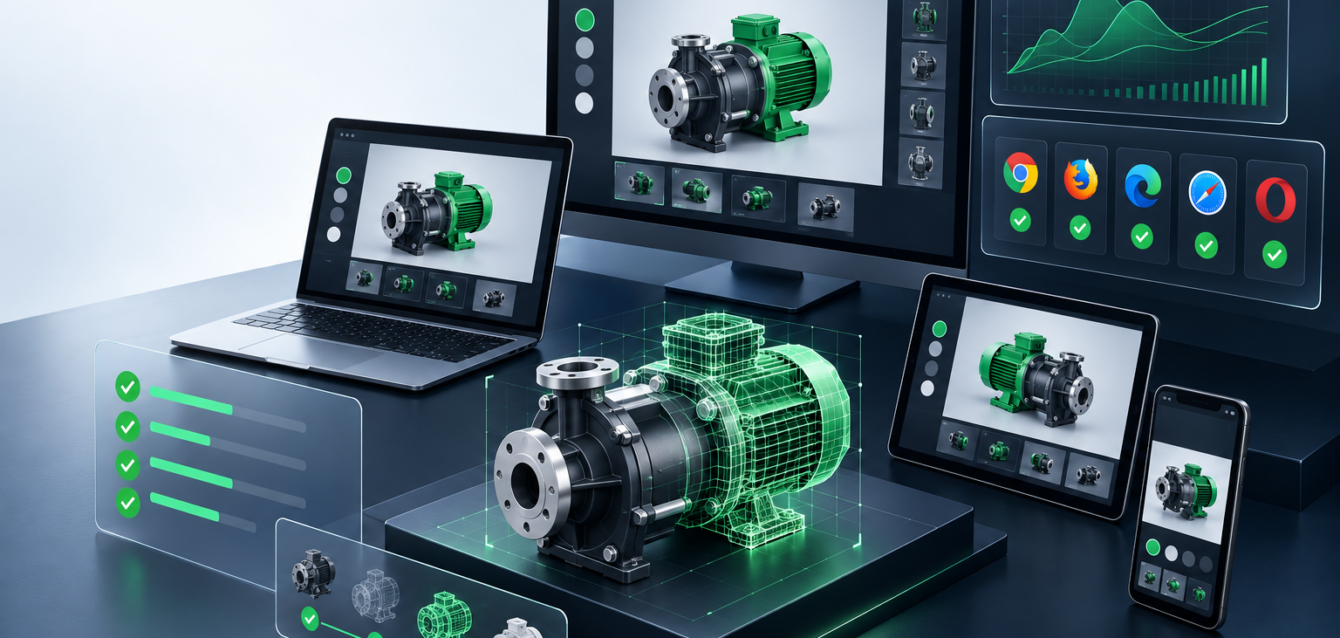
Enterprise 3D configurators are more than visual demos. They are buying tools that need to load quickly, render accurately, handle product logic, and work reliably across browsers and devices. A small issue in the 3D experience can confuse buyers, slow sales teams, or create incorrect product expectations.
That is why WebGL quality assurance should happen before launch, not after a configurator is already live. The QA process needs to test performance, visual accuracy, configuration logic, integrations, analytics, and real user behavior.
Start With Browser and Device Coverage
WebGL performance can change dramatically across browsers, graphics hardware, mobile devices, and network conditions. A configurator that feels smooth on a developer workstation may feel heavy on a buyer’s phone or an older office laptop.
- Test Chrome, Safari, Edge, and Firefox where your audience uses them.
- Check mobile and tablet gestures, including rotate, zoom, pan, and option selection.
- Review performance on lower-power devices instead of only testing high-end machines.
- Confirm fallback behavior when WebGL support is limited or blocked.
Validate Load Speed and First Interaction
The first usable moment matters. Buyers should not wait for every model, material, and option to finish loading before they can understand the product. QA should measure how quickly the first useful view appears and how soon interaction becomes smooth.
For heavier product lines, teams should review model compression, texture size, lazy loading, and level-of-detail behavior. Our guide to 3D asset optimization for WebGL commerce explains how asset choices affect load speed and buyer experience.
Check Configuration Logic Carefully
A configurator is only useful if the options behave correctly. Every color, finish, part, accessory, dimension, and dependency needs to match the actual product rules. QA should test common choices, edge cases, invalid combinations, and reset states.
- Confirm that unavailable combinations are blocked or explained clearly.
- Check that selected options remain consistent when users move between steps.
- Review pricing, SKU, quote, or request-form data if those values are connected.
- Test deep links or saved configurations if buyers or sales teams share them.
Review Visual Accuracy
Visual quality is not just about making a model look attractive. It needs to represent the product honestly. Materials, finishes, shadows, proportions, and key details should match what buyers will receive.
For enterprise teams, this often requires comparing the browser model against CAD references, product photography, physical samples, or approved renders. The goal is to keep the experience fast while preserving the details that influence purchase confidence.
Test Integrations and Data Flow
Many enterprise 3D configurators connect to ecommerce platforms, CRM tools, quote workflows, product databases, analytics, or sales enablement systems. These integrations should be tested separately from the 3D scene itself.
- Submit test leads and confirm the correct data reaches the CRM.
- Check ecommerce cart or quote handoff for configured products.
- Verify analytics events for option changes, engagement time, and completed actions.
- Confirm that API errors do not break the entire user experience.
If you are planning a broader browser-based 3D build, the enterprise 3D Web development and custom WebGL page covers how integrations fit into the full implementation.
Confirm Accessibility and Usability
Even a highly visual tool needs clear controls, readable labels, predictable focus behavior, and responsive layouts. QA should review whether users can understand what is selected, what changed, and what action to take next.
This is especially important for B2B buyers who may use the configurator during meetings, sales calls, trade shows, or procurement reviews. The interface should support fast explanation, not require a technical walkthrough.
Monitor After Launch
QA does not end on launch day. Once the configurator is live, analytics and user behavior can show where buyers hesitate, which options they use most, and where performance issues appear. Teams should track engagement, completed configurations, form submissions, device performance, and error logs.
Post-launch monitoring helps product and marketing teams improve the experience without guessing. It also gives sales teams better insight into what buyers want before a conversation starts.
Final Takeaway
A strong WebGL configurator should feel fast, accurate, and dependable. Enterprise QA needs to cover the full buyer journey: loading, interaction, visual trust, configuration logic, integrations, analytics, and device coverage. When those pieces work together, the configurator becomes a reliable sales tool instead of just an impressive 3D demo.