
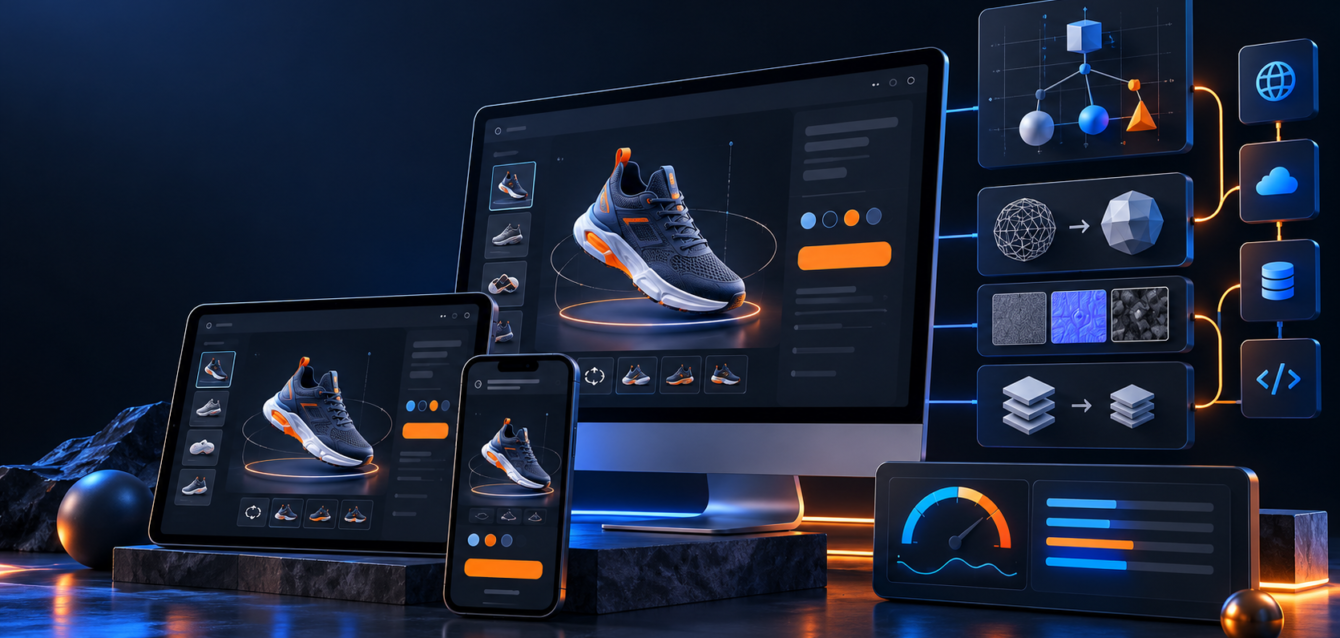
WebGL development is becoming a practical way for product-focused brands to make their websites more useful, not just more visual. Instead of asking buyers to understand a product from flat images, WebGL can give them a browser-based 3D experience where they can rotate, zoom, explore materials, compare options, and understand the product before speaking with sales.
This article focuses on WebGL development for interactive product pages. It is not a duplicate of a service page or agency overview. The goal here is to explain how teams can plan WebGL content that supports product understanding, page engagement, and qualified lead generation.
Why Product Pages Need Better Interaction
Many product pages still rely on a gallery, a short description, and a contact button. That can work for simple products, but it is often weak for products with technical details, configurable options, finishes, dimensions, or premium buying decisions. Buyers want to see how the product behaves, what options are available, and whether it fits their use case.
WebGL development helps bridge that gap by bringing interactive 3D directly into the browser. A well-built scene can show product details faster than a long text block and can reduce the back-and-forth that happens when buyers are unsure.
Use WebGL Where It Helps the Buyer Decide
Not every website needs WebGL. The strongest use cases are pages where buyers need visual confidence or guided exploration. Examples include furniture, industrial equipment, machinery, packaging, architecture products, consumer devices, vehicles, custom products, and technical components.
If the interaction helps users understand size, finish, configuration, workflow, or function, WebGL can support the sales process. If it is only decorative, it can slow the page without improving conversion.
Plan the Experience Before the 3D Scene
The biggest mistake in WebGL projects is starting with the model instead of the user flow. Before development begins, decide what the visitor should do. Should they inspect product details? Compare variants? Change materials? Save a configuration? Request a quote? Move to checkout?
Performance Matters More Than Visual Complexity
A slow interactive page can hurt engagement. Strong WebGL development balances visual quality with speed. Teams should plan polygon counts, compressed textures, model formats, lazy loading, fallback images, and mobile behavior early.
Connect WebGL With Lead Capture
Interactive product pages should not stop at exploration. They should help the visitor take the next step. That could be a quote request, consultation booking, saved configuration, product inquiry, or ecommerce action.
Internal Links and Supporting Pages
If you are planning a larger interactive build, review Ink & Algorithm’s WebGL development agency page for service details. For configurable products, the 3D configurators and interactive WebGL experiences page explains how browser-based configurators can support sales and ecommerce workflows.
Teams that are still defining requirements can also use the product configurator planning checklist before development starts.
Final Takeaway
WebGL development works best when it supports a clear buyer decision. With the right planning, it can turn a product page into an interactive sales asset that improves understanding, captures better leads, and makes complex products easier to evaluate.