
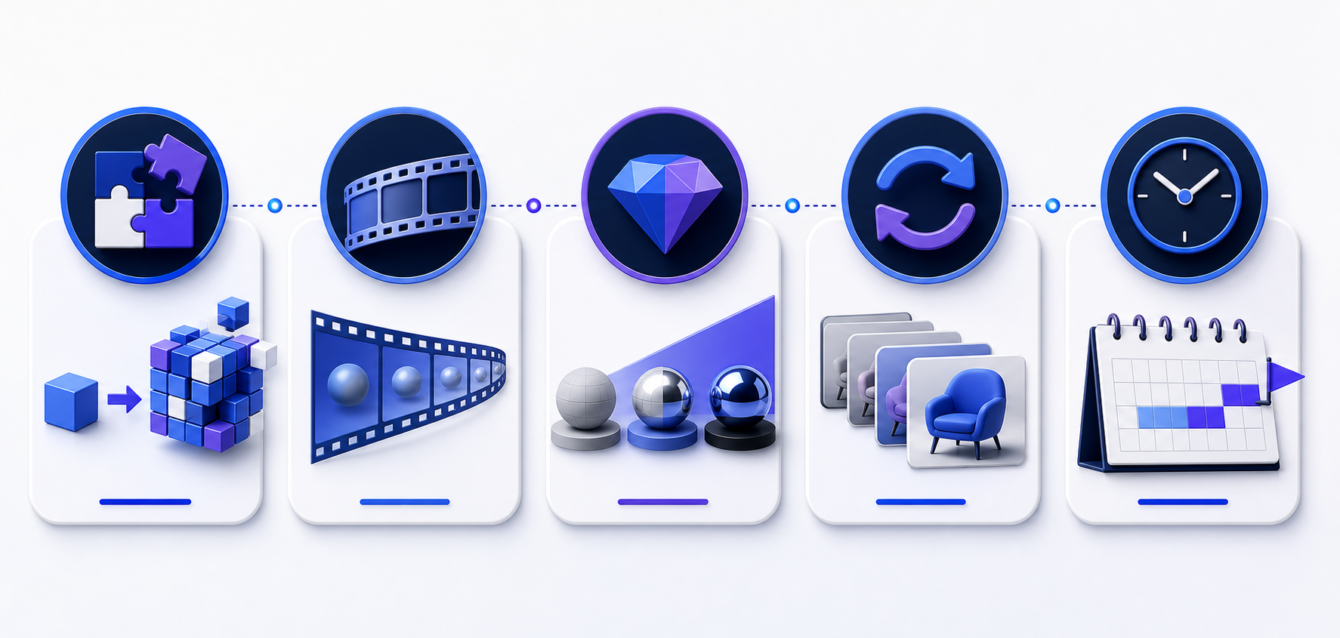
Product animation cost can vary widely because a ten-second product turntable and a two-minute technical story solve very different business problems. The useful question is not simply, “How much does animation cost?” It is, “What level of visual detail, accuracy, and production support will help buyers understand the product and move toward a decision?”
This guide explains the main pricing factors, realistic production stages, and the ROI signals marketing and sales teams should use when planning a product animation project.
What Determines Product Animation Cost?
Most budgets are shaped by scope rather than duration alone. A short animation can still require significant work when the product has complex engineering, reflective materials, fluid movement, or multiple internal components. The following factors usually have the greatest effect.
1. Quality of the Starting 3D Assets
If clean CAD files or production-ready 3D models already exist, the team can often begin with optimization and visual preparation. Incomplete files, missing parts, inconsistent naming, or models created only for manufacturing may require cleanup before animation begins.
When no usable model exists, the product must be built from drawings, photographs, measurements, or references. This adds modeling time but also creates a reusable asset for future images, configurators, sales presentations, and additional videos.
2. Product Complexity and Technical Accuracy
A simple exterior product reveal is less demanding than an exploded view of a machine, a cutaway of internal components, or a sequence that demonstrates airflow and assembly. Technical animation requires careful review so movement, proportions, and operating logic remain credible.
For complex equipment, our guide to technical animation for industrial products explains how visual storytelling can simplify systems without losing accuracy.
3. Animation Length and Number of Scenes
Duration matters, but the number of unique shots is often more important. Reusing the same environment and camera setup is efficient. Creating several locations, product variants, or visual styles requires more staging, lighting, rendering, and review.
A focused 30- to 60-second animation can often communicate one strong idea better than a long video. Start with the buyer question the video must answer, then build only the scenes needed to answer it.
4. Materials, Lighting and Rendering Style
Photorealistic metal, glass, fabric, liquids, and translucent materials need additional testing. A clean technical style may be faster to produce and more effective for training or industrial sales. The right choice should follow the audience and channel rather than a desire for maximum realism everywhere.
5. Motion Graphics, Labels and Voiceover
On-screen labels, interface elements, diagrams, subtitles, music, sound design, and voiceover all add value and production steps. These elements should be planned during storyboarding so they support the visuals instead of being added late as decoration.
6. Review Rounds and Stakeholder Approval
Unstructured feedback is one of the most common causes of budget growth. A clear approver, consolidated comments, and defined review stages reduce rework. Teams should confirm the script and storyboard before detailed animation, then approve movement before final rendering.
A Practical Product Animation Production Timeline
A professional workflow usually moves through several controlled stages. The exact schedule depends on complexity and stakeholder availability, but the sequence should remain predictable.
- Discovery and brief: define the audience, commercial goal, product details, deliverables, and channels.
- Script and storyboard: establish the narrative, shots, labels, and calls to action before expensive production begins.
- Asset preparation: model, clean, optimize, and organize product geometry and materials.
- Animation preview: review timing, camera movement, and product actions using low-cost previews.
- Look development: approve lighting, materials, backgrounds, and the overall visual direction.
- Final rendering and post-production: render approved scenes, add motion graphics, sound, captions, and final color work.
- Delivery: export versions for websites, sales presentations, social platforms, events, and advertising.
A well-defined project may take several weeks, while a complex technical campaign with many scenes and versions can take longer. Faster delivery is possible when assets are ready, feedback is consolidated, and decision makers are available at each milestone.
How to Build a Cost-Efficient Scope
The best way to control product animation cost is to decide what must be communicated before deciding how many seconds to produce. Start with one primary buyer problem and one measurable conversion action.
- Choose the most valuable product feature or workflow.
- Limit the first production to a clear core story.
- Create a modular storyboard so scenes can be reused.
- Plan horizontal, vertical, and short-form crops in advance.
- Approve technical details before final rendering.
- Keep the master 3D assets organized for future campaigns.
This approach turns the first project into a reusable visual library rather than a single disposable video. The same models and scenes can support launch videos, explainers, still images, trade show content, and interactive experiences.
How to Measure Product Animation ROI
ROI depends on where the animation is used. A product page should be measured differently from a trade show screen or a sales enablement video. Define a baseline before launch and track signals connected to the business goal.
Marketing Metrics
- Product-page engagement and time on page
- Video completion and replay rates
- Click-through rate to quote, demo, or contact pages
- Campaign engagement across paid and organic channels
- Reuse of the same asset across markets and formats
Sales and Operational Metrics
- Fewer repetitive product explanation calls
- Shorter time from first conversation to qualified quote
- Higher confidence during technical presentations
- Reduced dependence on physical samples and prototypes
- Faster onboarding for dealers, partners, and internal teams
A strong animation does not replace the sales process. It removes confusion early, gives buyers a consistent explanation, and helps sales teams focus on fit, value, and next steps.
Questions to Ask Before Requesting a Quote
Prepare the product files, brand references, target audience, delivery channels, required formats, deadline, and approval process. Also identify which claims or technical details need validation. This information helps an animation partner provide a realistic scope rather than a vague estimate.
Review examples of 3D animation services for product storytelling to clarify the level of visual treatment your project needs.
Plan Product Animation Around Business Value
Product animation cost becomes easier to manage when every scene has a job. Prioritize the buyer questions that block a purchase, create reusable assets, and use staged approvals to protect the schedule. The result is a visual sales tool that can support marketing, training, and customer conversations long after the first campaign ends.
Ink & Algorithm creates product and technical animations for complex offerings. Schedule a consultation to discuss your product, available 3D assets, timeline, and the best production scope for your goals.