
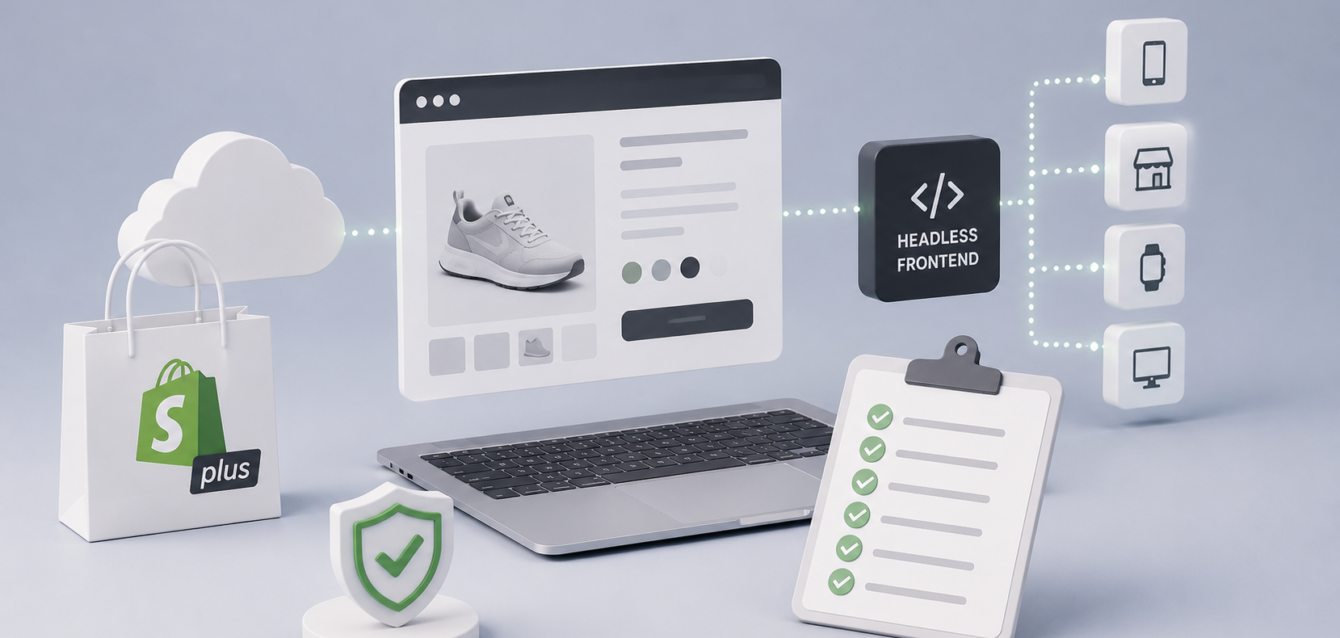
Moving a growing ecommerce operation to a headless architecture can unlock faster storefronts, greater design flexibility, and cleaner integrations. But a successful Shopify Plus headless commerce migration requires more than replacing a theme. Teams must align business goals, product data, checkout behavior, analytics, and performance targets before development begins.
What Is Shopify Plus Headless Commerce?
A headless setup separates the customer-facing storefront from Shopify’s commerce backend. Shopify Plus continues to manage products, customers, orders, and checkout, while a modern frontend such as Next.js delivers the shopping experience. This approach gives brands greater control over speed, content, and complex buying journeys.
When Should a Brand Consider Going Headless?
Headless commerce is most valuable when a standard theme limits growth. Common signs include slow category pages, complex international requirements, multiple content systems, custom product experiences, or the need to connect ERP, CRM, PIM, and fulfillment platforms.
- High traffic exposes storefront performance limits.
- Merchandising teams need flexible page layouts.
- Multiple markets require localized content and pricing.
- Products need interactive visuals or guided configuration.
- Business systems require reliable API integration.
Shopify Plus Migration Checklist
1. Define measurable business outcomes
Set targets for conversion rate, Core Web Vitals, average order value, cart abandonment, and content publishing speed. These measures keep technical decisions tied to revenue rather than novelty.
2. Audit the current storefront
Document templates, apps, tracking scripts, redirects, structured data, checkout customizations, and third-party services. Identify which elements support revenue and which create unnecessary weight.
3. Map product and content data
Clarify where product descriptions, media, pricing, inventory, localization, and editorial content will live. A clear ownership model prevents duplicate data and unreliable synchronization.
4. Design the integration architecture
List every system that exchanges data with Shopify Plus. Define API responsibilities, webhooks, retry behavior, monitoring, and fallbacks. Brands with complex workflows may also benefit from custom sales tools and systems integrations that connect commerce with internal operations.
5. Establish a performance budget
Set limits for JavaScript, images, fonts, and third-party scripts before development. Performance budgets protect mobile speed as features expand. For interactive products, use the same discipline described in our guide to 3D product page performance.
6. Protect SEO during the migration
Preserve high-value URLs, metadata, canonical tags, structured data, internal links, and XML sitemap coverage. Build a redirect map before launch and compare crawlable content between the old and new storefront.
7. Test the complete purchase journey
Validate search, filters, product variants, promotions, customer accounts, cart persistence, checkout, tax, shipping, and transactional events across devices. Test failure states as carefully as successful purchases.
Common Headless Commerce Mistakes
The most expensive mistakes are rebuilding without measurable goals, adding too many client-side scripts, overlooking content workflows, and treating integrations as an afterthought. A headless storefront should simplify the customer experience even when the underlying system is sophisticated.
How Ink & Algorithm Approaches Headless Commerce
Our web development team combines Shopify Plus, modern frontend engineering, API integration, and performance optimization. We design storefronts around real buying behavior and maintainable business operations, with clear ownership and handoff.
Plan Your Migration Around Revenue, Not Technology
The right architecture should make pages faster, content easier to manage, and buying journeys easier to complete. Start with a technical and commercial audit, then prioritize the changes that produce measurable value. Schedule a consultation to assess your Shopify Plus migration requirements.