
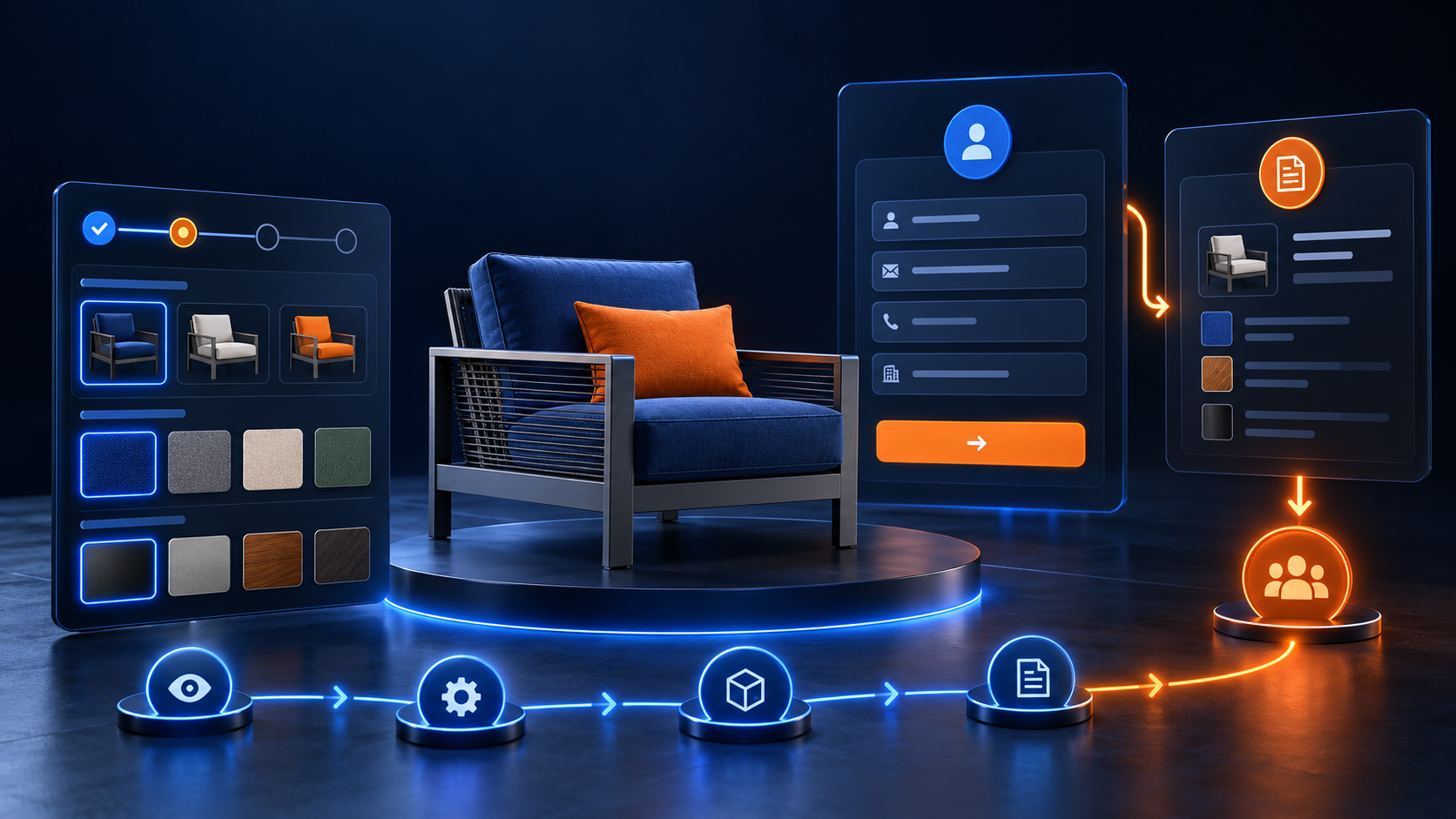
A 3D configurator sales demo helps a representative discuss product choices while the buyer sees the result. Instead of moving through a long catalogue, the meeting can focus on the options that matter to the buyer’s application.
The tool needs a clear demo plan. A representative who changes every setting without explaining the decision can leave buyers with more questions. This guide covers preparation, the live conversation, and the follow-up record.
Start With the Buyer’s Decision
Before the meeting, identify what the buyer needs to decide. Are they comparing sizes, reviewing a finish, or checking whether an accessory fits their use case? Choose a short route through the configurator that supports that decision.
Ask for relevant application details before building a sample. For a hypothetical modular workstation, the discussion might start with available space and storage needs. Those requirements give the representative a reason for each option shown.
Prepare a Small Set of Valid Examples
Prepare one starting configuration and one or two useful alternatives. Check that each uses supported product combinations and current catalogue information. Avoid a demo that depends on an unapproved option or outdated availability statement.
Write a brief note explaining the purpose of each example. One may show the basic product, while another adds the accessory that addresses the buyer’s main requirement. The guide to configurator catalog updates explains how product rules and visual assets should stay aligned.
Test the 3D Configurator Sales Demo Setup
Open the experience on the device and connection that will be used in the meeting. Check loading, screen sharing, option controls, and the product summary. Use a readable window size so the buyer can follow the choices.
Prepare a fallback such as approved screenshots or a short recording of the sample configurations. Explain when a fallback is being shown so viewers do not mistake it for a live interactive session. Keep the conversation moving if the browser or connection fails.
Explain One Change at a Time
Begin with the whole product and explain the starting selection. Change one relevant option, pause, and describe what the buyer is seeing. Connect the visual difference to the requirement discussed earlier.
For example, adding a storage module should be accompanied by a clear explanation of its purpose. Ask whether it matches the buyer’s workflow before moving to another feature. This keeps the demo conversational and gives the buyer a chance to correct assumptions.
Let the Buyer Compare Meaningful Alternatives
Compare options using the same view and a consistent explanation. Point out the differences that affect the buyer’s decision rather than treating every material or accessory as equally important. Be clear about details that require separate technical confirmation.
If a buyer requests an unsupported combination, explain the constraint and show an appropriate alternative where available. Avoid promising that a visual choice is manufacturable simply because it appears on screen. Product accuracy should guide the discussion.
Capture the Final Configuration
At the end of the 3D configurator sales demo, review the selected model, options, quantity, and open questions together. Where the system supports it, save a configuration reference or link that allows the team to revisit the same selection.
- Record the product and selected option labels.
- Keep the configuration reference and catalogue version.
- Note questions that require technical review.
- Confirm the buyer’s preferred next step.
- Assign an owner for the follow-up.
The guide to configurator quote handoff covers the information that makes a submission useful to sales. Treat the demo summary as the start of that record.
Send a Follow-Up That Continues the Discussion
Prepare a concise recap of the configuration and the reasons for the key choices. Include the agreed next action and identify any details that still need confirmation. Share approved product information that answers the buyer’s remaining questions.
If the selection changes after the meeting, record the revised version clearly. A saved image and a quote summary should describe the same product. Avoid leaving the buyer and internal team working from different configurations.
Improve the Demo With Real Feedback
Ask representatives which steps confuse buyers and which questions recur. Review whether the starting examples are still useful as the product catalogue evolves. Use this feedback to improve option labels, sample configurations, and the meeting plan.
For teams planning a guided product experience, Ink & Algorithm’s web-based 3D configurator development service is a relevant starting point. Bring a typical sales conversation, sample product rules, and the follow-up information your team needs.