
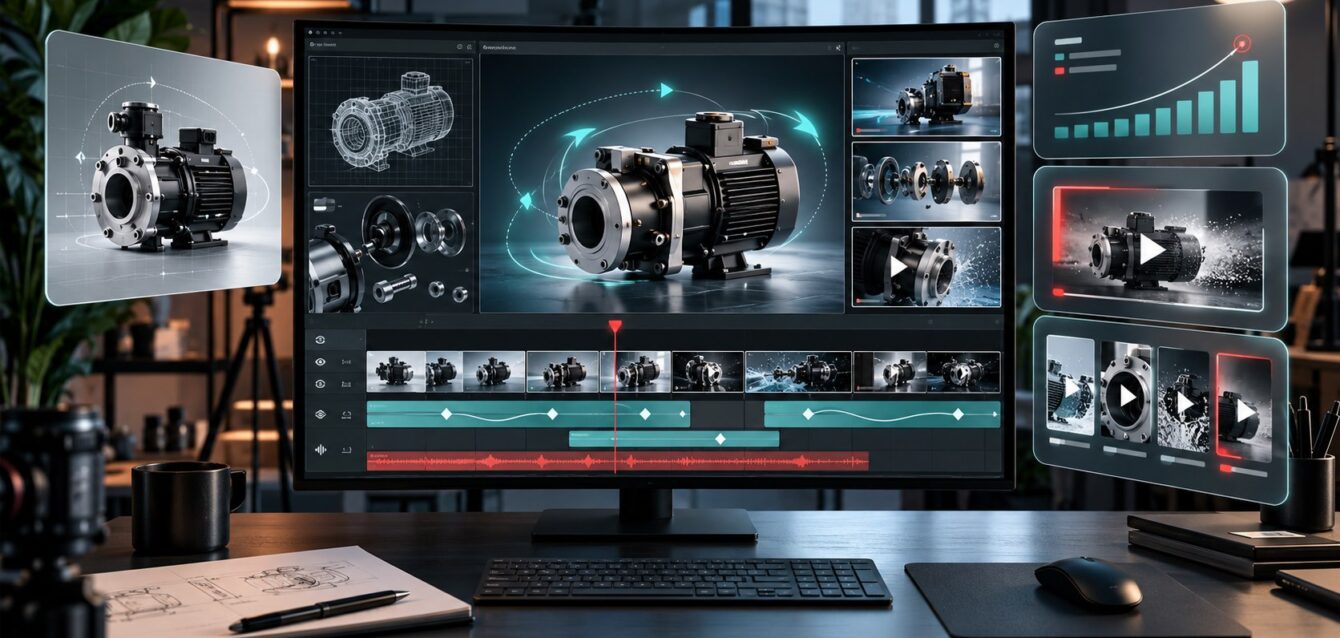
Silent product animation helps brands explain a product when viewers cannot hear a voiceover. At a trade show, in a reception area, or during muted browsing, the visuals need to communicate the problem, the feature, and the next step on their own.
The task is more than removing audio from an existing video. A useful silent version needs readable labels, clear visual sequencing, and enough context for a viewer who starts watching halfway through. This guide covers how to plan that experience.
Choose One Message for the Screen
Start with the question the viewer should be able to answer after watching. What does the product do? How does a component work? Which configuration solves a specific problem? Choose one primary message before planning the scenes.
A hypothetical industrial filter display might focus on access for routine servicing. Showing every specification would compete with that story. Select the visuals that explain the chosen feature, then place detailed information in a supporting brochure or product page.
Show the Product in a Recognizable Context
Open with a view that establishes what the product is and where it is used. A close-up of an unfamiliar part may look impressive while leaving the viewer unsure what they are seeing. Move from context to detail when the story requires it.
For an internal mechanism, show the complete product before the cutaway. Use a clear visual transition to explain how the detailed view relates to the exterior. The guide to technical animation for industrial products provides related advice on making complex systems understandable.
Write Labels for Silent Product Animation
Use short labels that name the feature or explain the action visible in the scene. Avoid paragraphs that force viewers to choose between reading and watching. Each label should support a specific visual moment.
Review text at the intended display size and viewing distance. Check contrast, line breaks, and the time available to read. Keep important words away from areas that may be covered by captions or cropped in another delivery format.
Make Movement Explain the Feature
Camera movement and product motion should serve the explanation. Hold a useful angle long enough for viewers to understand what changed. If a part opens, connects, or moves, make the start and end states easy to compare.
Use visual emphasis consistently. A highlight can identify the component being discussed, while an arrow can clarify direction. Review these cues with the product team so they do not imply an incorrect mechanism or an unsupported performance claim.
Design a Loop That Can Be Joined Midway
People passing a booth rarely arrive at the beginning of the video. Plan each main section to provide enough context to stand on its own. Repeat the product identity at sensible points and keep the final transition into the opening visually smooth.
Test the loop by starting playback in several different scenes. Ask someone unfamiliar with the product what they understand. If a scene only makes sense after a long introduction, simplify it or add a brief contextual label.
Give Viewers a Clear Next Step
Decide whether the display should lead to a conversation, a demo, or a product page. Keep the call to action specific and visible long enough to use. A booth display might ask visitors to speak to a representative about their application.
If a QR code is included, test it on the actual screen from realistic distances. Confirm the destination is appropriate and that the code remains scannable throughout its appearance. Do not rely on the code as the only way to contact the team.
Review the Silent Version Separately
Watch the complete video with audio disabled before approval. A version that works with narration may leave gaps when the voice is removed. Review the visual story and text together rather than approving them as separate files.
- Can viewers identify the product quickly?
- Does each scene explain one clear point?
- Are labels readable on the intended display?
- Can a viewer understand the loop midway through?
- Does the final action match the campaign goal?
Use the product animation approval workflow to consolidate feedback and resolve technical questions before delivery. For regional displays, the animation localization guide covers translated labels and language review.
Plan the Display Version From the Brief
Include silent product animation in the original brief when the campaign needs it. Specify the screen orientation, placement, available audio, and required versions. This helps production teams plan editable text and scenes that can support several formats.
For brands preparing a product display, Ink & Algorithm’s animation services are a relevant starting point. Bring your product information, display requirements, and campaign goal so the visual story can be designed around the way people will actually watch it.