
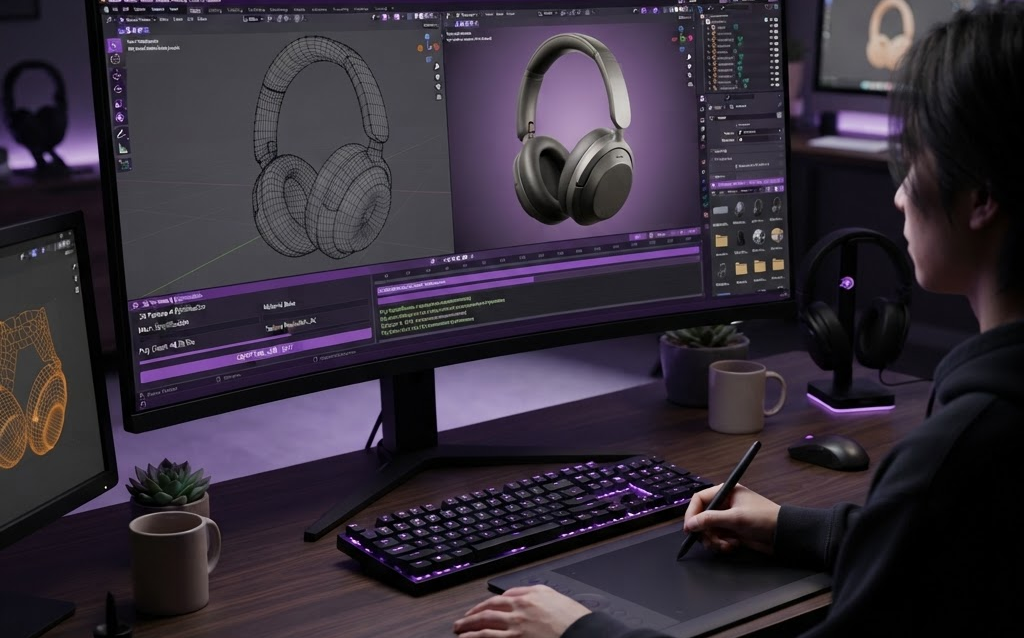
TL;DR: Every AR experience, product configurator, and 3D product animation starts with a 3D model. In 2026, creating e-commerce-ready 3D models costs $300–$5,000 per product and takes 3–10 days. The key is optimization: a production-quality model that looks photoreal on a product page must also load in under 3 seconds on a mobile phone. This guide covers the full pipeline—from CAD files to web-optimized GLB—and everything brands need to know about 3D modeling for e-commerce.
3D models are the building blocks of modern e-commerce. They power product configurators, AR try-on experiences, 3D product animations, virtual showrooms, and interactive product pages. Without a quality 3D model, none of these experiences exist.
But creating a 3D model for e-commerce isn’t just about making something look good on screen. The model must be optimized for web delivery—small enough to load fast on mobile, detailed enough to look photorealistic, and structured properly for material swapping and AR placement. This guide covers the full 3D modeling pipeline for e-commerce brands.
What Makes a Good E-commerce 3D Model?
A production-quality e-commerce 3D model must balance three competing requirements:
1. Visual Quality
The model must look indistinguishable from a photograph when rendered on a product page. Materials must be accurate—leather looks like leather, metal reflects like metal, fabric drapes like fabric. This requires high-quality textures, proper UV mapping, and physically-based rendering (PBR) materials.
2. File Size and Performance
The same model must load in under 3 seconds on a mobile phone. That means the total file size (model + textures) should be under 5MB. This requires aggressive optimization: polygon reduction, texture compression, and mesh compression (Draco). A model that looks amazing but takes 30 seconds to load is useless for e-commerce.
3. Configurability
If the model will be used in a configurator, it must be structured for material swapping. That means each configurable part (frame, seat, legs) is a separate mesh with its own material slot. A customer clicking “change fabric color” shouldn’t require loading a new model—it should just update the material property on the existing mesh.
The 3D Modeling Pipeline for E-commerce
Step 1: Source Material
The 3D model needs to start from something—either:
- CAD files — from the product designer or manufacturer (STEP, IGES, SolidWorks files). These contain exact geometry but are too complex for web use. Need conversion and optimization.
- Physical product + 3D scanning — photogrammetry or structured light scanning captures the product’s geometry and textures from the physical object. Good for organic shapes, products without CAD files.
- Reference photos — a 3D artist builds the model from scratch using product photos as reference. Most expensive but gives the most control over topology and optimization.
Step 2: Modeling
The 3D artist creates or cleans up the model in software like Blender, Maya, 3ds Max, or Cinema 4D. Key decisions at this stage:
- Polygon count — target 10K–100K polygons for web AR, 100K–500K for VR/desktop. Too few and the product looks faceted; too many and it won’t load on mobile.
- Topology — clean edge flow, quads (not triangles) for deformation, logical part separation for configurators
- UV mapping — unwrapping the model so textures apply correctly. Quality UV mapping prevents texture stretching and seams.
Step 3: Texturing
Applying materials to the model. For e-commerce, this means PBR (Physically Based Rendering) materials that respond realistically to lighting:
- Albedo/base color — the product’s actual color without lighting effects
- Roughness — how shiny or matte the surface is (0 = mirror, 1 = chalk)
- Metalness — whether the surface is metallic (1) or dielectric (0)
- Normal map — adds fine surface detail (grain, stitching, texture) without extra polygons
- Occlusion — darkens crevices and corners for realistic depth
Textures should be 2K resolution (2048×2048) for most products, 4K for hero products with fine detail. Compress to WebP or KTX2 format for web delivery—50–80% smaller than PNG/JPEG.
Step 4: Optimization
The model is optimized for its target platform:
- Draco mesh compression — compresses geometry data by 70–90% with minimal quality loss. Essential for web delivery.
- Texture compression — KTX2 (GPU-native) or WebP (universal) reduces texture file sizes by 50–80%
- Level of Detail (LOD) — create multiple versions of the model at different polygon counts. Load the high-detail version on desktop, the low-detail version on mobile.
- Instancing — for repeated elements (rivets, studs, buttons), use a single mesh instance repeated, not copies
Step 5: Export and Validation
Export the model as GLB (binary glTF)—the web 3D standard. Validate the file:
- Loads correctly in model-viewer and Three.js
- Materials render correctly under different lighting conditions
- Total file size under 5MB (mobile) or 15MB (desktop)
- No missing textures or broken material references
- Works in AR on both iOS (Quick Look) and Android (WebXR)
3D Model Formats for E-commerce
| Format | Use Case | Web Optimized | AR Compatible |
|---|---|---|---|
| GLB / glTF | Web product pages, configurators | Yes (primary format) | Yes (WebXR, model-viewer) |
| USDZ | iOS Quick Look AR | Yes (Safari) | Yes (iOS native) |
| FBX | Unity/Unreal development | No (convert to GLB) | Requires engine |
| OBJ | Simple 3D viewers, prototyping | No (convert to GLB) | Requires conversion |
| STEP / IGES | CAD source files | No (convert to GLB) | Requires conversion |
For e-commerce, you need two export formats per product: GLB (for web, Android AR, and configurators) and USDZ (for iOS Quick Look AR). Some workflows generate both from the same source model automatically.
Cost of 3D Modeling for E-commerce
| Product Complexity | Cost | Timeline |
|---|---|---|
| Simple (boxes, bottles, basic shapes) | $300–$1,000 | 2–4 days |
| Medium (furniture, electronics, apparel) | $1,000–$3,000 | 4–7 days |
| Complex (jewelry, automotive, mechanical) | $3,000–$5,000 | 7–14 days |
| Hero/ultra-detailed (close-up product shots) | $5,000–$15,000 | 10–21 days |
Costs include modeling, UV mapping, PBR texturing, optimization, and export to GLB + USDZ. Volume discounts apply for catalogs of 10+ products—per-unit cost drops 20–40% at scale.
3D Modeling Tools Used in 2026
Professional Modeling Software
- Blender — Free, open-source, full-featured. The most popular choice for e-commerce 3D modeling. Handles modeling, texturing, UV mapping, and export.
- Maya / 3ds Max — Autodesk’s professional tools. Industry standard for film and games. $2,000+/year per seat. Overkill for most e-commerce models but used by large studios.
- Cinema 4D — Best for motion graphics and product visualization. $3,500+/year. Strong integration with Adobe workflow.
- ZBrush — Best for organic, highly detailed sculpting (characters, creatures, highly textured surfaces). $900 perpetual license.
3D Scanning and Photogrammetry
- Polycam — Phone-based 3D scanning with AI enhancement. Good for quick product captures.
- RealityCapture — Professional photogrammetry. Turns photos into 3D models with high accuracy.
- Artec Eva / Space Spider — Professional handheld 3D scanners for high-precision capture.
AI-Assisted Modeling
- Meshy / Luma AI — Text-to-3D and image-to-3D generation. Good for background assets and prototyping.
- CSM (Common Sense Machines) — Image-to-3D with better topology for production use.
Best Practices for E-commerce 3D Models
Start from CAD When Available
If your product has CAD files (from the designer or manufacturer), start there. CAD-to-3D-model conversion is faster and more accurate than building from photos. Tools like FreeCAD, Autodesk Fusion 360, and Blender’s CAD importers can convert STEP/IGES files to clean meshes.
Model Once, Deploy Everywhere
One well-made 3D model can power: product page 3D viewer, 360° spin, AR placement, configurator, 3D animation, VR showroom, and social media content. Invest in quality at the modeling stage and you get months of content from a single asset.
Optimize for Mobile First
Most customers will view your 3D content on phones. Optimize for the lowest common denominator—a mid-range Android device. If it loads fast and looks good there, it’ll look great everywhere else. Desktop and VR are bonuses.
Maintain a 3D Asset Library
As you create models for products, build a centralized 3D asset library. Every model, texture, and material stored in one accessible location. This makes it easy to update materials, create new configurations, and deploy across channels.
FAQ: 3D Modeling for E-commerce
How much does a 3D product model cost?
A simple product model (boxes, bottles) costs $300–$1,000. Medium complexity (furniture, electronics) runs $1,000–$3,000. Complex products (jewelry, automotive) cost $3,000–$5,000. Ultra-detailed hero models for close-up renders cost $5,000–$15,000. Volume discounts apply for 10+ products—per-unit cost drops 20–40% at scale.
What file format do I need for e-commerce 3D?
GLB (binary glTF) is the primary format for web 3D—product pages, configurators, Android AR, and Three.js. USDZ is needed for iOS Quick Look AR. Export both from the same source model. If you’re building for Unity or Unreal Engine apps, FBX is the development format (converted to GLB for web deployment).
How long does it take to create a 3D model?
Simple products take 2–4 days. Medium complexity products take 4–7 days. Complex products take 7–14 days. Hero/ultra-detailed models take 10–21 days. If CAD files are available, modeling time is reduced by 30–50% since the geometry already exists—it just needs cleanup and optimization.
Can I use AI to create 3D models?
AI tools like Meshy and Luma AI can generate 3D models from text or images in minutes, but the output isn’t production-ready for e-commerce. AI-generated models need cleanup, retopology, and manual texturing before they’re suitable for product pages. AI is best for background assets, prototyping, and speeding up the initial blocking stage.
Do I need a 3D model for every product?
Not necessarily. Start with your top 10–20 best-selling products. These are the products where 3D and AR will have the biggest conversion impact. Once the workflow is established and ROI is proven, scale to the full catalog. The per-model cost decreases as volume increases.
Getting Started with 3D Modeling
The path to e-commerce 3D is simpler than most brands think:
- Inventory your CAD assets — check which products have existing CAD files that can be converted
- Prioritize your top 10 products — start with best-sellers where 3D will have the most impact
- Work with a 3D production partner — find a team experienced in e-commerce 3D (not just game or film 3D—the optimization requirements are different)
- Deploy across channels — use each model for product pages, AR, configurators, and social content
- Build the library — every model created is a reusable asset that compounds in value
The brands investing in 3D models now are building an asset library that powers every immersive experience—AR, VR, configurators, animations—for years to come. Each model is a one-time investment that generates returns across every digital channel.
Ready to create 3D models for your products? Contact Ink & Algorithm to discuss your 3D modeling project—we’ll help you build a 3D asset library that drives sales across every channel.