
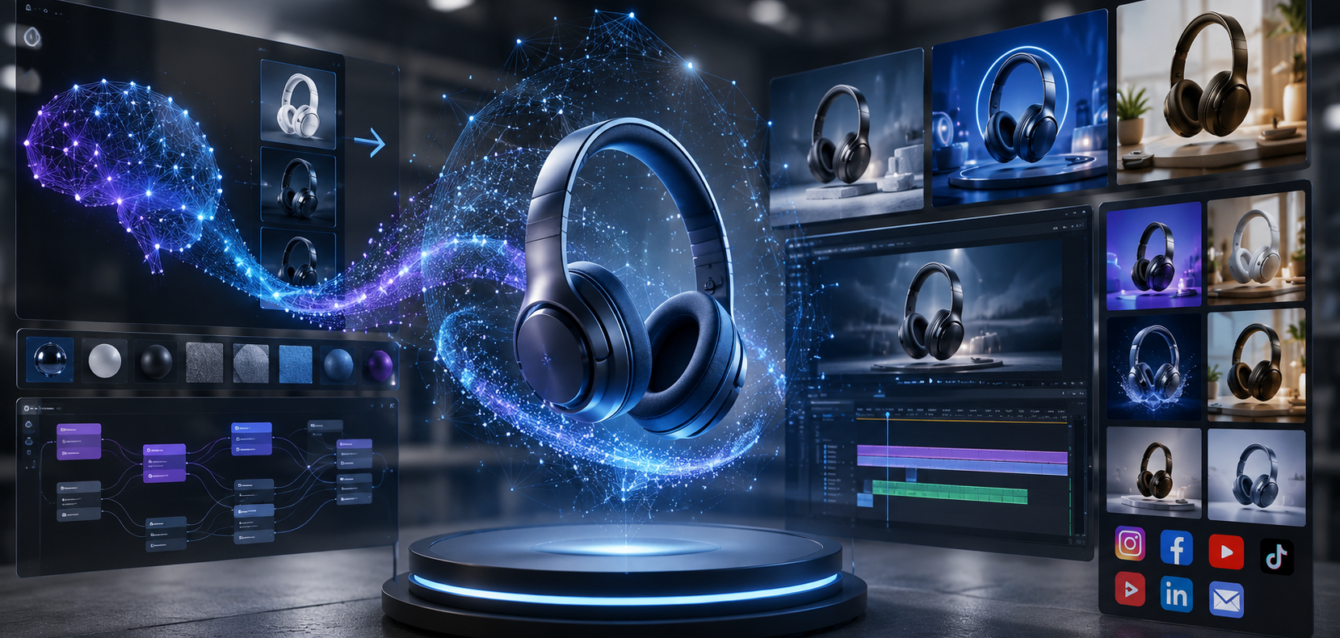
TL;DR: AI-powered 3D animation tools let brands generate product videos, motion graphics, and animated configurators in days instead of weeks—cutting costs by 50–70% while scaling content across social, web, and e-commerce. From AI-assisted keyframing to text-to-3D model generation, the 2026 animation pipeline looks nothing like the manual process brands relied on just two years ago. Here’s how it works and what it costs.
Creating a single 30-second 3D product animation used to take 2–4 weeks and cost $5,000–$15,000. For brands with hundreds of SKUs, that meant choosing which products got the video treatment and which didn’t. Generative AI has fundamentally changed that math. In 2026, AI-assisted animation pipelines can produce the same 30-second product video in 2–3 days for $1,500–$5,000—making it economically viable to create video content for every product in a catalog.
This guide breaks down how AI is transforming each stage of the 3D product animation pipeline, which tools brands are actually using, and how to decide whether to integrate AI into your animation workflow.
How AI Is Changing the 3D Animation Pipeline
The traditional 3D animation pipeline has five stages: modeling, texturing, rigging, animation, and rendering. AI is accelerating each one—not replacing human artists entirely, but automating the repetitive, time-consuming work that used to eat up 60–80% of production time.
1. AI-Assisted 3D Modeling
Creating a production-quality 3D model from scratch takes 3–10 days. AI tools like Meshy, Luma AI, and CSM (Common Sense Machines) can generate 3D models from text descriptions or 2D images in minutes. The initial output isn’t production-ready—it needs cleanup, optimization, and UV mapping—but it provides a starting point that cuts modeling time by 40–60%.
For product animation specifically, text-to-3D and image-to-3D tools are most useful for creating background elements, props, and environmental assets. Hero products still require manual modeling for the precision and quality that product shots demand, but the surrounding scene can be AI-generated.
2. AI Texturing and Material Generation
Texturing—applying realistic materials to a 3D model—is one of the most tedious parts of the pipeline. AI tools like Substance 3D’s AI features, Polycam’s material capture, and specialized texture generators can create PBR (physically based rendering) materials from a single photo or text prompt. A material that used to take a day to create can now be generated in 15 minutes.
For brands, this means photorealistic product materials are cheaper than ever. A leather texture, a brushed metal finish, or a fabric weave can be generated, refined, and applied in under an hour—a process that previously required specialized texture artists.
3. Automated Rigging and Motion Capture
Rigging (adding a skeleton to a 3D model for animation) traditionally takes 1–3 days per character. AI rigging tools like AccuRIG, Mixamo, and Cascadeur’s auto-rigging can rig a humanoid character in minutes. For product animation, where most objects don’t need skeletal rigs, AI tools handle procedural motion—generating realistic physics-based animations like fabric draping, liquid pouring, or product assembly automatically.
Motion capture without suits is another AI breakthrough. Tools like Rokoko Vision and Plask use AI to extract motion data from regular video—no mocap suit or studio required. A brand can film a person demonstrating a product with a phone, and AI converts that video into a 3D animation skeleton that can be applied to any rigged model.
4. AI-Assisted Keyframing and Animation
This is where the biggest time savings happen. Traditional keyframe animation requires an animator to manually set every keyframe—position, rotation, scale—at each point in the timeline. A 30-second product animation might require 200–500 keyframes.
AI animation tools in 2026 can generate intermediate keyframes automatically. The animator sets 10–20 key poses, and AI tools like Cascadeur, Wonder Studio, and Blender’s AI-assisted features fill in the in-between frames with physically plausible motion. This reduces manual keyframing by 70–85%.
For product animation (rotating, exploding views, assembly sequences), AI can generate the entire motion path from a text description or reference video. “Rotate the product 360° over 10 seconds with a slight upward tilt” produces a smooth camera move instantly.
5. AI-Accelerated Rendering
Rendering is the final and most computationally expensive stage. A single 4K frame can take minutes to render with a production engine like V-Ray or Arnold. AI denoising (already standard in most renderers) has cut render times by 50–80% by allowing the engine to render fewer samples and fill in the noise with AI.
The bigger shift is real-time rendering with AI upscaling. Engines like Unreal Engine 5 with DLSS 3.5 can render near-final-quality frames in real time, meaning brands can preview and iterate animations instantly instead of waiting hours for test renders. Final-quality output can then be AI-upscaled to 4K or 8K.
Real-World Workflow: Before vs After AI
| Pipeline Stage | Traditional Time | AI-Assisted Time | Time Saved |
|---|---|---|---|
| 3D Modeling (background) | 3–5 days | 0.5–1 day | 70–85% |
| Texturing & Materials | 1–2 days | 0.5–0.5 day | 60–75% |
| Rigging & Prep | 1–3 days | 0.25–0.5 day | 75–85% |
| Keyframe Animation | 3–7 days | 1–2 days | 65–80% |
| Rendering (30s, 4K) | 2–5 days | 0.5–1 day | 70–85% |
| Total (30s product video) | 10–22 days | 2.5–5 days | 70–80% |
Cost Comparison: Traditional vs AI-Assisted
The cost savings are equally dramatic:
- Traditional 30s product animation: $5,000–$15,000
- AI-assisted 30s product animation: $1,500–$5,000
- Traditional full catalog (50 products): $250,000–$750,000
- AI-assisted full catalog (50 products): $75,000–$250,000
For brands, this isn’t just about saving money—it’s about unlocking content at scale. A budget that previously covered 10 product videos now covers 30–50. Every product page, every social channel, and every ad placement can have custom video content.
The AI Animation Tools Brands Are Using in 2026
Text-to-3D and Image-to-3D
- Meshy — Text and image to 3D model generation, good for background assets and props
- Luma AI (Genie) — Fast text-to-3D generation with reasonable quality
- CSM (Common Sense Machines) — Image-to-3D with better topology for production use
Animation & Motion
- Cascadeur — AI-assisted keyframe animation with physics-based auto-completion
- Wonder Studio — AI character animation from video reference
- Plask — Browser-based AI motion capture from video
- Rokoko Vision — AI motion capture from single-camera video
Rendering & Real-Time
- Unreal Engine 5 + DLSS 3.5 — Real-time rendering with AI upscaling and denoising
- KeyShot 2026 — GPU-accelerated rendering with AI denoising
- Blender + Cycles (AI denoised) — Open-source option with AI-assisted features
Texturing & Materials
- Adobe Substance 3D — AI-powered material generation and smart texturing
- Polycam — Photo-to-material capture with AI enhancement
What AI Can’t Do (Yet): Where Human Artists Still Win
AI accelerates the pipeline, but it doesn’t replace skilled artists—not yet, and maybe not ever for certain tasks. Here’s where human expertise remains essential:
- Hero product modeling — AI-generated models lack the precision and clean topology needed for close-up product shots. A human 3D modeler is still required for the hero product.
- Creative direction and storytelling — AI doesn’t know what makes a product video compelling. Deciding the narrative, pacing, and emotional arc of an animation requires human creative judgment.
- Brand consistency — AI tools don’t inherently understand a brand’s visual language. Ensuring every animation matches brand guidelines, color palettes, and motion style requires human oversight.
- Technical precision — For products with exact specifications (engineering parts, medical devices), AI approximation isn’t good enough. Human artists ensure dimensional accuracy.
The most effective workflow in 2026 is AI-assisted, human-directed: AI handles the repetitive work (in-between frames, background assets, texture generation, render optimization), and human artists focus on creative direction, hero assets, and quality control.
Best Use Cases for AI-Powered Product Animation
Social Media Product Videos
Short-form product videos for Instagram, TikTok, and YouTube Shorts are the most natural fit for AI-assisted animation. These platforms reward volume and speed—brands need fresh video content daily. AI tools make it possible to produce 5–10 social-ready product animations per week instead of 1–2 per month.
Exploded View and Assembly Animations
Showing how a product is assembled—exploded views where components separate and come together—is highly effective for technical products, furniture, and electronics. AI-assisted tools can generate the motion paths and physics for these sequences in hours instead of days.
360° Product Rotations
The most common product animation, and the one most automated by AI. A smooth 360° rotation with studio lighting can be generated from a 3D model in under an hour with AI-assisted rendering. This is table stakes for e-commerce in 2026.
Material and Color Variant Videos
Showing a product cycling through color options or material finishes is a powerful sales tool. With AI texturing and rendering, a brand can produce variant videos for every available option—not just the top three.
FAQ: AI-Powered 3D Product Animation
Can AI fully replace 3D animators?
No. AI accelerates the pipeline by automating repetitive tasks—in-between keyframes, background modeling, texturing, and render optimization—but human artists are still essential for creative direction, hero product modeling, brand consistency, and quality control. The most effective workflow in 2026 is AI-assisted with human direction, not fully automated.
How much does AI-assisted product animation cost?
A 30-second AI-assisted product animation costs $1,500–$5,000 in 2026, compared to $5,000–$15,000 for traditional animation. For a full catalog of 50 products, AI-assisted production costs $75,000–$250,000, compared to $250,000–$750,000 for traditional production. The savings come from reduced labor hours per stage, not from cutting quality.
What tools do I need for AI-powered animation?
The core stack includes a 3D modeling tool (Blender, Maya, or Cinema 4D), an AI texturing tool (Substance 3D, Polycam), an AI animation assistant (Cascadeur, Wonder Studio), and a renderer with AI denoising (Unreal Engine 5, KeyShot, or Blender Cycles). Text-to-3D tools like Meshy or Luma AI supplement the pipeline for background assets. Most studios use 3–5 of these tools together.
Is AI-generated animation quality good enough for professional use?
Yes, when used as part of an AI-assisted pipeline with human oversight. The final output of an AI-assisted workflow is indistinguishable from traditional animation to most viewers. The key is that AI handles the tedious middle steps while humans handle the beginning (creative direction, hero modeling) and end (quality review, final polish). Attempting to go fully AI-generated end-to-end without human review produces noticeably lower quality.
How fast can AI-assisted animation be turned around?
A single 30-second product animation can be completed in 2.5–5 days using AI-assisted workflows, compared to 10–22 days traditionally. For urgent social media content, simplified AI-assisted animations can be produced in 24–48 hours. The bottleneck is typically 3D model preparation and creative direction—once those are locked, AI accelerates the execution dramatically.
Getting Started with AI-Powered Animation
For brands considering AI-assisted animation in 2026:
- Start with one product category — pilot AI-assisted animation on your highest-volume SKU to measure quality and speed
- Build your 3D asset library first — AI works best when it has clean models to work with. Invest in production-quality hero models for your top products
- Choose tools that fit your workflow — if you already use Blender or Cinema 4D, add AI plugins rather than switching engines entirely
- Maintain human oversight — the biggest mistake brands make is going fully automated. Keep a human artist in the loop for quality control
- Scale from there — once the workflow is proven, scale to the full catalog. The per-unit cost drops further with volume
The brands that integrate AI into their animation pipeline now will produce 10x more video content at the same budget as competitors still using traditional workflows. In 2026, that content advantage is a moat—more product videos means more social reach, better ad performance, and higher conversion rates across every channel.
Ready to scale your product animation with AI? Contact Ink & Algorithm to discuss your animation project—we’ll help you build an AI-assisted pipeline that produces high-quality product videos at a fraction of traditional costs.