
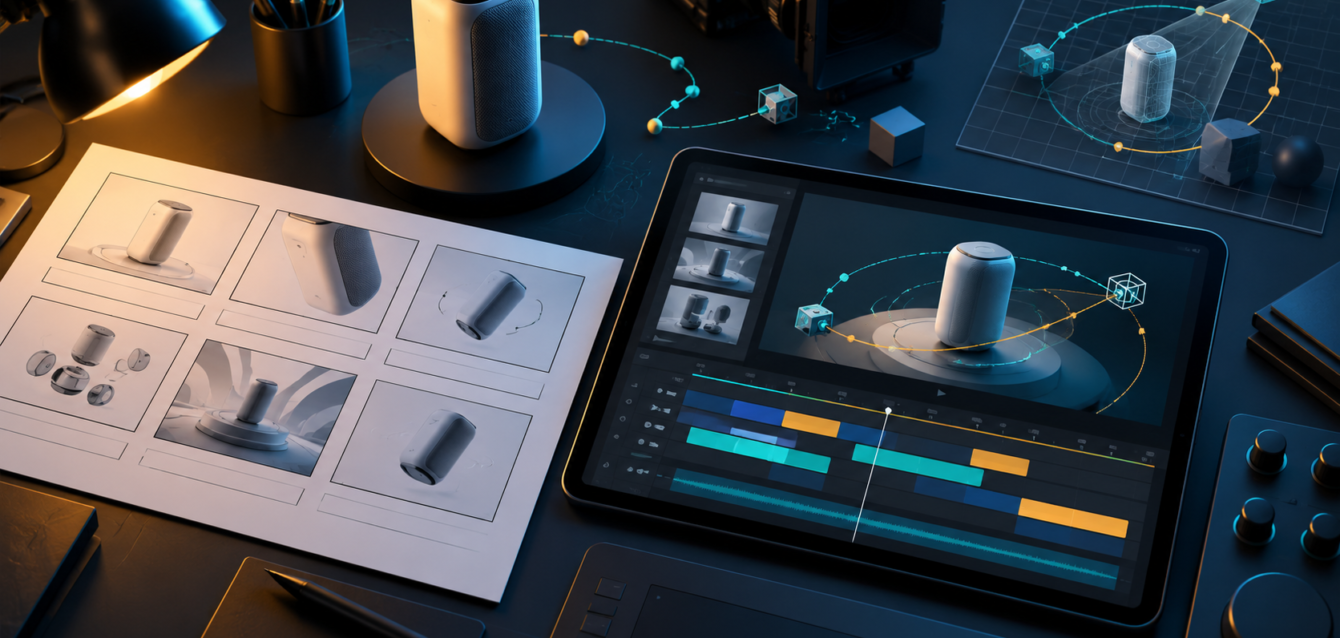
YouTube is no longer just a video hosting channel for brands. For product companies, SaaS teams, manufacturers, furniture brands, and technical sales teams, it has become a searchable product education engine. A strong product animation can explain value faster than a static landing page, but only when the project starts with a clear brief.
This guide explains how to plan a YouTube product animation brief without overlapping with a service page. Instead of simply asking for a video, your team can define the audience, product story, scene list, timeline, and performance goals before production begins.
When YouTube Animation Works Best
YouTube animation works best when buyers need to understand a product before they contact sales. It is especially useful for 3D products, configurable items, software workflows, industrial equipment, architecture, furniture, and ecommerce products that need more than a flat image.
Use animation when the product has hidden mechanisms, multiple use cases, installation steps, material options, or technical benefits that are hard to show in live footage. If the goal is direct commercial production support, review our YouTube animation services for furniture and product brands page as the primary service reference.
What to Include in the Animation Brief
A useful brief should answer five questions before storyboarding begins: who the viewer is, what they already understand, what problem the product solves, what action the viewer should take, and which product details must appear accurately on screen.
- Audience: define whether the viewer is a buyer, dealer, investor, engineer, installer, or internal sales team.
- Offer: clarify whether the video is explaining a product, launching a feature, supporting ads, or improving a landing page.
- Assets: collect CAD files, product renders, brand guidelines, reference videos, voiceover direction, and any compliance notes.
- Message: decide the single point the viewer should remember after watching.
- CTA: choose whether the next step is requesting a demo, watching another video, downloading specs, or contacting sales.
Recommended YouTube Animation Structure
Most product animations perform better when they move quickly from problem to proof. A practical structure is: hook, product reveal, key feature sequence, real-world use case, proof point, and call to action.
For a 60 to 90 second animation, the hook should arrive in the first five seconds. The product should be visible early, not hidden behind a long abstract intro. If the animation is built for paid ads, the first frame should still make sense without sound.
Timeline Planning for Product Animation
A simple YouTube product animation can often be planned in phases: brief approval, script, storyboard, asset preparation, animation blocking, first cut, revision pass, sound design, and final exports. Complex 3D work may need extra time for modeling, materials, simulations, or product accuracy checks.
Teams can reduce delays by approving the script and storyboard before animation starts. Late changes to product angles, scene order, or voiceover timing usually take longer once 3D animation is already in production.
Cost Drivers to Define Early
The biggest cost drivers are video length, level of realism, number of products, 3D model quality, number of environments, character animation, voiceover needs, revision rounds, and export formats. A 30 second product reveal and a 90 second technical explainer may both be called YouTube animation, but their production requirements are very different.
If your campaign also needs interactive product views, consider pairing video with a web-based 3D configurator or ecommerce product visualization workflow instead of relying on one video for every buyer question.
How to Avoid SEO Cannibalization
For SEO, a blog post like this should support the commercial service page rather than replace it. The blog can target planning, brief writing, scripting, storyboard, and timeline questions. The service page should remain the main page for buyers searching for YouTube animation services, production partners, or agency support.
Keep the page title, meta description, headings, and internal links aligned with that intent. Use the blog to educate visitors, then point them to the service page when they are ready to discuss production.
When the subject involves machinery, assemblies, or internal workflows, review our guide to technical animation planning for complex products before finalizing the script and storyboard.
Final Checklist Before Production
- Confirm the target viewer and buying stage.
- Choose one primary message for the animation.
- Approve the script before storyboard work begins.
- Share accurate product files, reference images, and brand rules.
- Define video length, formats, and YouTube thumbnail needs.
- Plan internal approvals before the first animation cut.
A focused brief keeps the animation clear, prevents unnecessary revisions, and helps the final YouTube video support search, sales, and product education at the same time.