
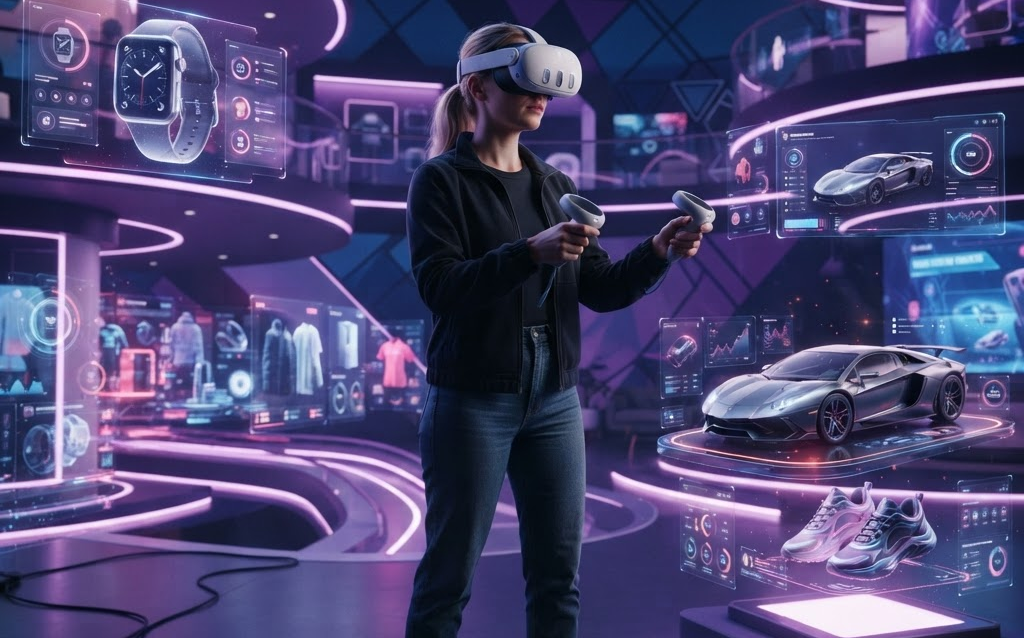
TL;DR: VR product visualization lets customers step inside a virtual showroom, pick up products, rotate them, customize them, and even test them in simulated environments—all before buying. Brands using VR product experiences report 25–40% higher conversion rates and 30% fewer returns. With WebXR making VR accessible through browser-based headsets, 2026 is the year VR moves from novelty to sales tool.
Virtual reality has long been associated with gaming and entertainment. But in 2026, VR is a serious commerce tool. Brands are building virtual showrooms where customers can explore products in fully immersive 3D environments, VR try-before-you-buy experiences that let shoppers test products virtually, and virtual trade show booths that extend their reach beyond physical events.
This guide covers how brands are using VR for product visualization in 2026, the technology that makes it possible, and the ROI they’re seeing.
What Is VR Product Visualization?
VR product visualization places a customer inside a fully immersive 3D environment using a VR headset (Meta Quest 3, Apple Vision Pro, HTC Vive) or a browser-based WebXR session. Unlike AR, which overlays digital content on the real world, VR creates a complete virtual space where the customer can:
- Walk through a virtual showroom filled with products
- Pick up, rotate, and examine products at real-world scale
- Customize materials, colors, and configurations in 3D
- Test products in simulated environments (a couch in a virtual living room, a car on a virtual test drive)
- Compare multiple products side by side in a curated virtual space
The key advantage of VR over traditional ecommerce is spatial presence. Customers don’t just see a product—they feel like they’re standing next to it. That sense of scale, proportion, and context is impossible to convey through flat product photos.
Use Cases: How Brands Use VR for Product Sales
Virtual Showrooms
Brands build digital twin showrooms that replicate their physical stores—or create entirely virtual spaces that would be impossible in reality. A furniture brand can create a showroom with 500 products in a space that feels like a 10,000-square-foot gallery. Customers navigate with their headset, examine products up close, and customize in real time.
For B2B brands, virtual showrooms eliminate the cost of traveling to trade shows. A sales team can walk a buyer through a virtual product lineup from anywhere in the world, demonstrating features and configurations in a shared VR session.
VR Try-Before-You-Buy
For products where fit and feel matter—apparel, eyewear, furniture, home goods—VR lets customers test before committing. A shopper can place a virtual sofa in a simulated living room, sit on it (virtually), and assess whether the size and style fit their space. A glasses shopper can try on virtual frames and check how they look from every angle.
Brands offering VR try-before-you-buy report 30% fewer returns because customers make more confident decisions after experiencing the product virtually.
Virtual Test Drives and Product Demos
Automotive brands use VR to let customers test drive vehicles virtually—experiencing the interior, dashboard, and driving dynamics without visiting a dealership. Industrial equipment manufacturers use VR to demonstrate large machinery that would be impossible to bring to a showroom.
Customization and Configuration in VR
VR takes product configurators to the next level. Instead of clicking swatches on a 2D screen, customers in VR can physically reach out, grab a material sample, and apply it to a product. The 3D model updates instantly with real-time lighting and reflections. A car buyer can walk around their configured vehicle, open doors, sit inside, and change paint colors—all in VR.
Virtual Real Estate Tours
Real estate developers use VR to sell properties before they’re built. Buyers put on a headset and walk through their future apartment, customizing finishes, flooring, and layouts in real time. This is especially powerful for pre-construction sales where buyers can’t visit a physical space.
VR vs AR: Which Is Right for Your Brand?
| Factor | VR | AR |
|---|---|---|
| Environment | Fully virtual world | Real world + digital overlay |
| Device | VR headset or WebXR | Smartphone or tablet camera |
| Best For | Immersive experiences, B2B demos, large products | Product placement, try-on, quick interactions |
| Reach | VR headset owners (growing fast) | Anyone with a smartphone |
| Session Length | 5–20 minutes (deep engagement) | 30 seconds–2 minutes (quick check) |
| Conversion Impact | 25–40% lift | 40–94% lift |
| Return Reduction | 30% fewer returns | 20–35% fewer returns |
Most brands don’t choose VR or AR—they use both. AR for quick product placement and try-on on product pages, VR for deep-dive showroom experiences and B2B presentations. The 3D models you create for one work in both.
The Technology: How VR Product Experiences Are Built
VR Engines
- Unity — The dominant VR development platform. Supports Meta Quest, Vision Pro, HTC Vive, and WebXR export. Best for most product visualization projects.
- Unreal Engine 5 — Premium visual quality with Nanite and Lumen. Best when photorealism is the priority. Heavier and more complex than Unity.
- Three.js + WebXR — Browser-based VR through WebXR API. Lower quality but zero install—works in any browser with a VR headset. Good for lightweight VR experiences.
- A-Frame — HTML-based VR framework. Easiest entry point for web developers building simple VR experiences.
VR Headsets in 2026
- Meta Quest 3/3S — Most popular consumer VR headset. Standalone, affordable ($300–$500), large user base.
- Apple Vision Pro — Premium spatial computing device. Highest visual quality, enterprise-focused adoption.
- HTC Vive XR Elite — Enterprise and prosumer. Good for B2B applications.
- Pico 4 — Growing market, especially in Europe and Asia.
- WebXR (no headset) — Browser-based VR on desktop with mouse/keyboard. Lower immersion but maximum reach.
3D Assets for VR
VR requires higher quality 3D models than AR because customers can get up close and examine details. Target 100K–500K polygons per product for VR (vs 10K–50K for mobile AR). Use PBR materials with 4K textures for close-up viewing. The same glTF/GLB format works, but file sizes will be larger (10–30MB per product is acceptable for VR; it loads once on the headset).
Cost of VR Product Visualization
| VR Solution | Cost | Timeline |
|---|---|---|
| WebXR product viewer (browser VR) | $10,000–$30,000 | 3–6 weeks |
| Unity VR showroom (Meta Quest) | $30,000–$80,000 | 6–12 weeks |
| Unreal Engine premium VR | $50,000–$150,000 | 8–16 weeks |
| Enterprise VR platform (multi-product) | $100,000–$300,000+ | 12–24 weeks |
| VR trade show booth | $15,000–$50,000 | 4–8 weeks |
Ongoing costs: VR app hosting ($50–$500/month), 3D modeling for new products ($500–$5,000 each), and maintenance (10–15% of build cost annually).
FAQ: VR Product Visualization
Do customers need a VR headset to experience VR product visualization?
Not necessarily. While the full immersive experience requires a headset, WebXR lets brands deliver VR-like experiences through a browser. Customers can explore a 3D showroom on desktop with mouse controls, or on mobile with touch navigation. The experience is less immersive but reaches every customer. For full VR, Meta Quest 3 is the most popular headset in 2026 with an installed base of millions.
How much does a VR showroom cost?
A Unity-based VR showroom for Meta Quest costs $30,000–$80,000 and takes 6–12 weeks to build. A WebXR browser-based version is cheaper at $10,000–$30,000. Enterprise multi-product VR platforms with CMS and analytics run $100,000–$300,000+. The 3D models for each product cost $500–$5,000 separately.
Is VR product visualization only for large brands?
No. While early VR commerce came from large brands, WebXR and Unity have made VR accessible to mid-market brands. A browser-based VR product viewer can be built for $10,000–$30,000, and a Meta Quest VR showroom for $30,000–$80,000. The ROI from higher conversion and lower returns often justifies the investment for brands with products over $500.
Can VR product experiences integrate with e-commerce?
Yes. VR experiences built in Unity or Unreal Engine can communicate with your e-commerce backend via API. Customers configure products in VR, and the configuration is sent to the cart just like a web configurator. For WebXR experiences, integration is even simpler—same browser, same session, direct API calls to Shopify or WooCommerce.
What products benefit most from VR visualization?
VR shines for products where scale, context, and spatial understanding matter: furniture, real estate, automotive, large appliances, industrial equipment, and home improvement products. It’s also powerful for B2B products that are too large or complex to demonstrate in a physical showroom.
Getting Started with VR Product Visualization
The recommended approach for most brands in 2026:
- Start with WebXR — build a browser-based 3D showroom that works with or without a headset. Maximum reach, lowest cost.
- Add a Meta Quest app — once you’ve validated demand, build a native Quest app for full immersion.
- Reuse your 3D models — the same glTF assets work across web, AR, and VR. Build once, deploy everywhere.
- Measure VR session impact — track conversion rates for customers who use VR vs those who don’t.
VR product visualization is no longer experimental—it’s a proven sales channel for brands willing to invest in immersive experiences. As headset adoption grows through 2026 and beyond, the brands that build VR capabilities now will have a first-mover advantage that compounds.
Ready to build a VR product experience? Contact Ink & Algorithm to discuss your VR project—we’ll help you create an immersive experience that turns browsers into buyers.