
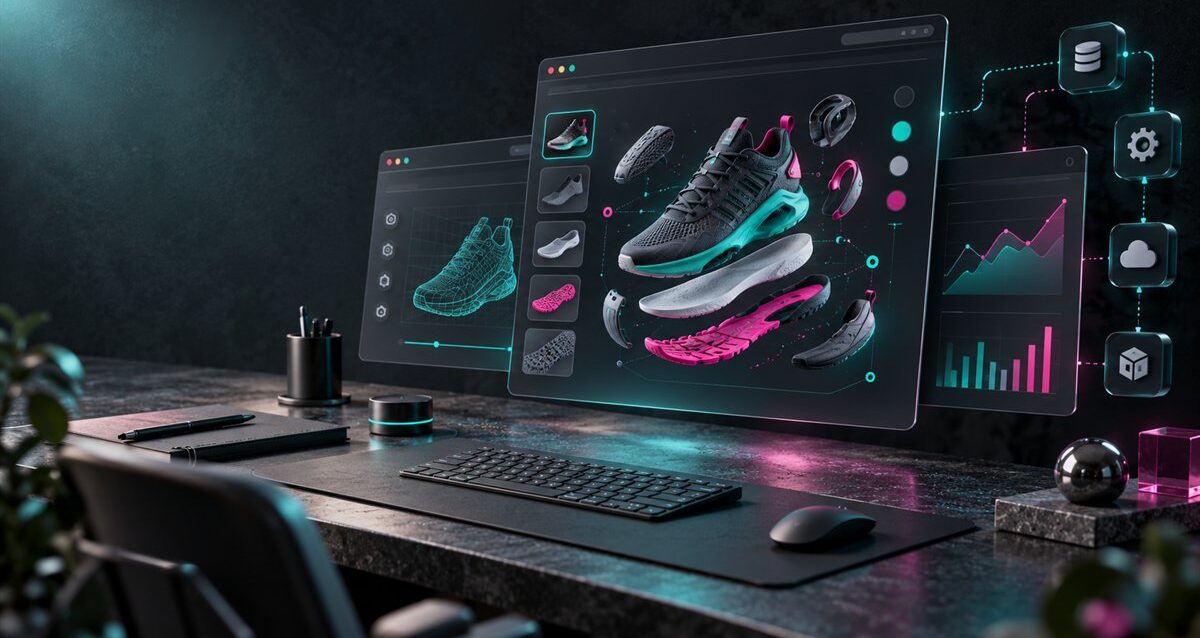
Custom web development matters when a product page needs to do more than display text, images, and a contact form. For enterprise teams selling technical, configurable, or visually complex products, the website often needs interactive product viewers, guided experiences, CRM integrations, analytics events, and fast loading performance.
This guide explains what teams should plan before building interactive product pages. The focus is practical web development strategy, not a generic website redesign checklist.
Start With the Product Experience
Before choosing layouts or plugins, define what the page must help a buyer understand. Some products need a simple comparison table. Others need a WebGL product viewer, configuration logic, AR preview, or technical animation embedded into the page.
The development plan should begin with the buyer question: what does the visitor need to see, test, compare, or request before they are ready to speak with sales?
Plan for Speed Before Adding Interactivity
Interactive product pages can become heavy if assets are not planned carefully. Large 3D files, scripts, tracking tags, videos, and image sets can slow the first load and reduce conversion quality.
A strong web development plan defines performance targets early. Teams should optimize 3D assets, compress textures, lazy-load noncritical content, and keep the first meaningful experience fast on desktop and mobile.
Connect Web Development With Sales Systems
Enterprise product pages often need to connect with sales workflows. A quote request, configurator submission, sample request, or product demo form may need to sync with Shopify Plus, Salesforce, HubSpot, WooCommerce, or another internal system.
These integrations should be planned before design approval. When the data model is clear early, developers can avoid messy handoffs and make sure sales teams receive useful information instead of basic form messages.
Use Analytics Beyond Page Views
Interactive pages should track more than visits. Teams can measure product rotations, color changes, configuration steps, hotspot clicks, quote requests, demo starts, and abandoned flows.
These events help marketing and sales teams understand which product details matter most to buyers. They also show whether a 3D viewer, configurator, or product demo is actually improving the buying journey.
Build Content Around Decision Support
Custom development works best when content and interaction support the same goal. Product specs, use cases, comparison sections, visuals, FAQs, and calls to action should guide buyers toward the next useful step.
For deeper interactive planning, Ink & Algorithm’s website development page explains how custom web experiences can support enterprise 3D and product-focused websites.
Know When a WebGL Viewer or Configurator Is Needed
Not every product page needs a full configurator. A WebGL viewer may be enough when buyers only need to inspect a product. A configurator is better when buyers need to choose options, validate combinations, and send a structured request to sales.
Teams comparing both options can review the WebGL product viewer vs 3D product configurator guide before scope decisions are finalized.
Final Takeaway
Custom web development for interactive product pages should connect product clarity, fast performance, integrations, and measurable buyer actions. When these pieces are planned together, the website becomes a stronger sales tool instead of a static brochure.